Rebuilding the Devcontainer
Usually, rebuilding the Dev Container shouldn’t be necessary, but it can be a
good troubleshooting step.
VS Code
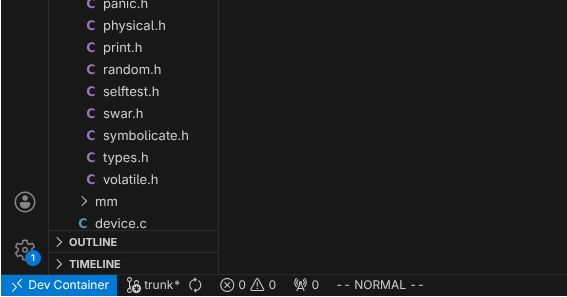
Click the Dev Container button in the bottom left of VS Code or press
ctrl+alt+o. A search menu will pop up where you can search for
Rebuild Container.
The window will reload and show a notificaiton that it is connecting to the
Dev Container. You can click on this notification to show a log from the
rebuilding container.
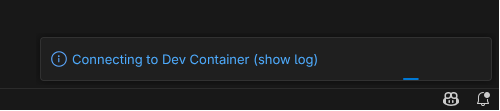
Once the notification disappears, the container is rebuilt and VS Code has connected to it.
Zed
Click File > Open Folder or press ctrl+k then ctrl+o to open a file
dialogue. Reselect the UkoOS project directory, and click
Yes, Open in Container on the notification to the bottom right. You will
have to close your old Zed window.
It may be easier to open UkoOS from the recent projects list, which you can open
by clicking the project name in the top left or by pressing ctrl+alt+o.

If you re-open the project using the recent projects list, it will open in your current Zed window.